 |    | |
Home > Online Help > Video Converter > TS Converter
This tutorial explains how easily can convert your WEBM files to TS format with just couple of clicks.
If you want to watch WEBM files everywhere including a mobile device, you will need to convert WEBM to a more compatible format.
With Program4Pc Video Converter software, you can change the format of your video or rip a DVD with just a couple of clicks. The program supports a wide range of media formats, including TS, AVI, MOV, MP4, WMV, and MPG (MPEG). You can also use Program4Pc Video Converter to extract audio from video and convert music to and from MP3, AAC, WAV, WMA, and other audio formats.
Converting WEBM to TS format is really easy, just follow the four simple steps below:
Step 1: Download WEBM to TS Converter
Download Now
How to Convert WEBM to TS
This tutorial explains how easily can convert your WEBM files to TS format with just couple of clicks.
If you want to watch WEBM files everywhere including a mobile device, you will need to convert WEBM to a more compatible format.
With Program4Pc Video Converter software, you can change the format of your video or rip a DVD with just a couple of clicks. The program supports a wide range of media formats, including TS, AVI, MOV, MP4, WMV, and MPG (MPEG). You can also use Program4Pc Video Converter to extract audio from video and convert music to and from MP3, AAC, WAV, WMA, and other audio formats.
Converting WEBM to TS format is really easy, just follow the four simple steps below:
Step 1: Download WEBM to TS Converter
Download Now





Step 2: Choose a Video for Conversion
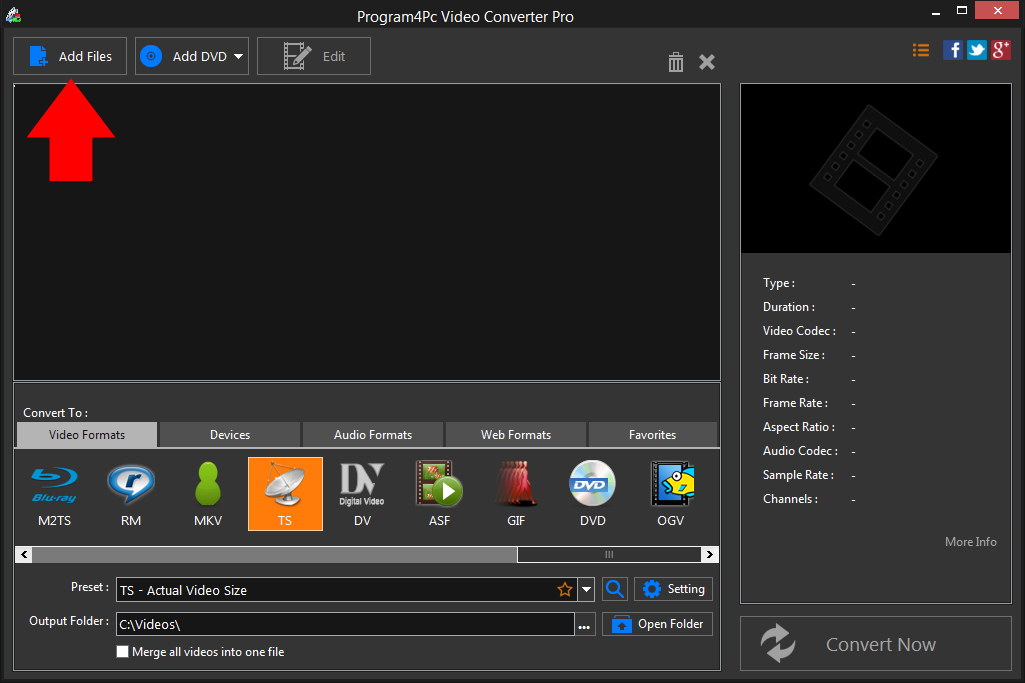
 Open the Video Converter and click Add Files in the upper left corner of the interface. Choose one or multiple files to convert to TS, or simply drag your WEBM files and drop them into the program.
 Step 3: Choose TS as the Output Format and Adjust Settings
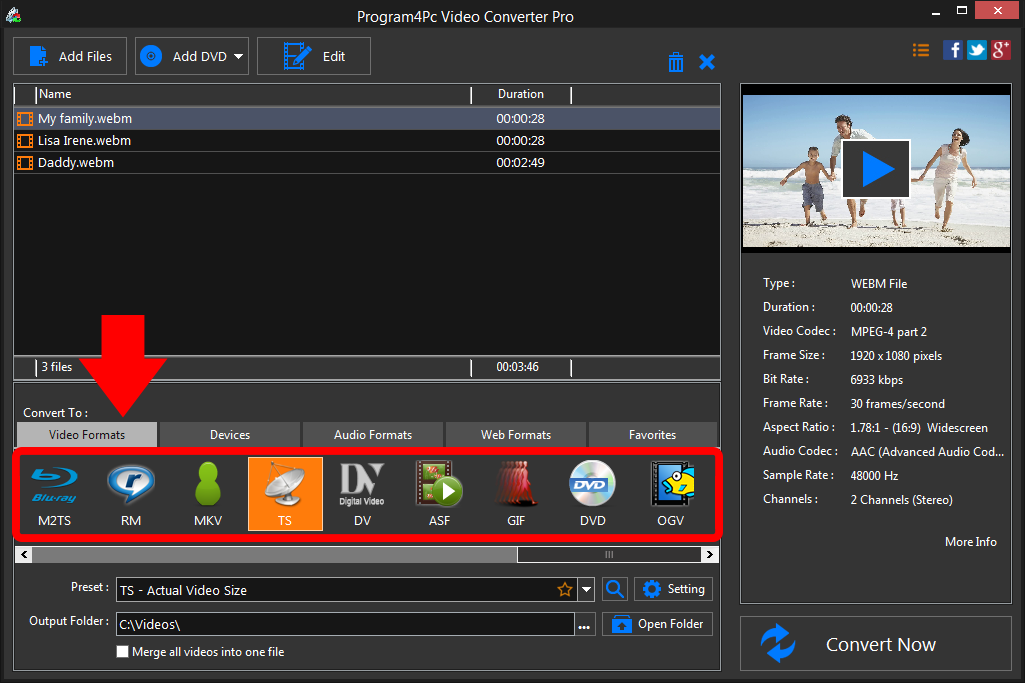
In the lower part of the converter window, select the preferred video format, then choose your desired preset among available TS presets. Step 4: Start Converting TS Videos
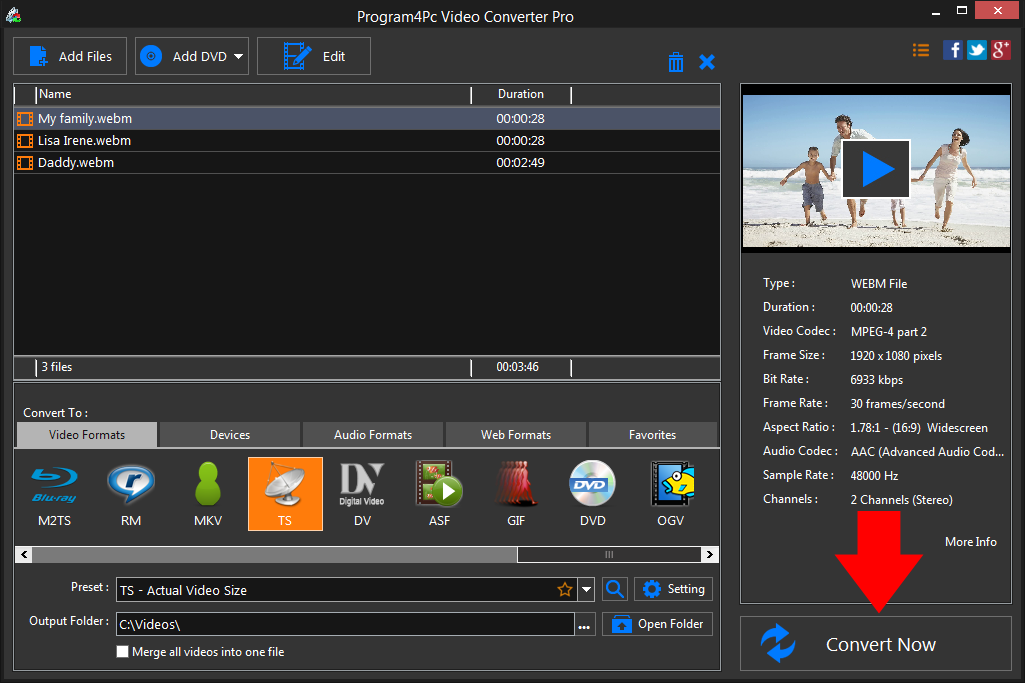
Now it�s time to choose the folder where your converted videos will be saved. Click the Browse button next to the Output Folder field and specify the new output folder, or stay with the default folder.All the necessary settings are now specified, so you can start converting your videos. Just click Convert Now, and wait for the process to finish. After the conversion is complete, you will be asked by program to open the folder containing the finished videos.
That's it!
It is simple as 1-2-3. Now you know how to convert any movie to TS, so it must be time for a watching your favorite videos everywhere!
Download Video Converter
It is simple as 1-2-3. Now you know how to convert any movie to TS, so it must be time for a watching your favorite videos everywhere!
See what else Program4Pc Video Converter can do for you:
- Convert WEBM to MP4
- Convert WEBM to AVI
- Convert WEBM to MPEG
- Convert WEBM to WMV
- Convert WEBM to 3GP
- Convert WEBM to SWF
- Convert WEBM to MOV
- Convert WEBM to FLV