 |    | |
Home > Online Help > Video Converter > OGV Converter
This tutorial explains how easily can convert your WEBM files to OGV format with just couple of clicks.
Do you want to easily convert video to OGV? With Program4Pc OGV Video Converter, it takes just a few steps to convert videos from AVI, FLV, MP4, WMV, DVD, or any other format to OGV.
Just follow the steps below to see how easy conversion to OGV can be. Just run the program, open a video, select a predefined setting, and click Convert Now.
Step 1: Install Program4Pc WEBM Converter
Download Now
How to Convert WEBM to OGV
This tutorial explains how easily can convert your WEBM files to OGV format with just couple of clicks.
Do you want to easily convert video to OGV? With Program4Pc OGV Video Converter, it takes just a few steps to convert videos from AVI, FLV, MP4, WMV, DVD, or any other format to OGV.
Just follow the steps below to see how easy conversion to OGV can be. Just run the program, open a video, select a predefined setting, and click Convert Now.
Step 1: Install Program4Pc WEBM Converter
Download Now





Step 2: Start the Program and Import Video
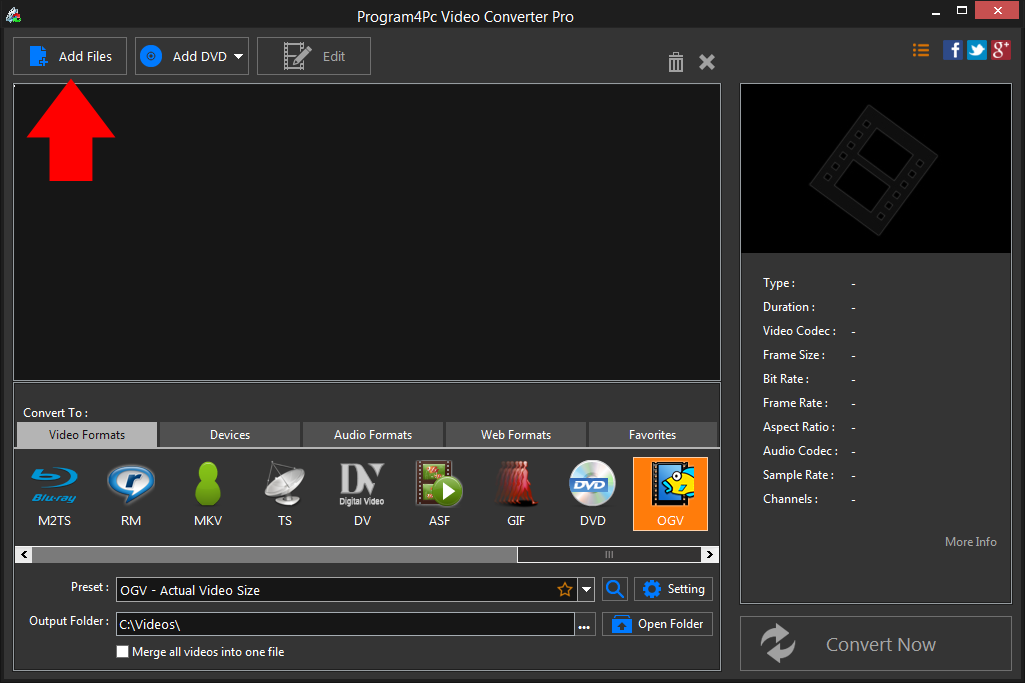
 Click the Add Files button in the upper left corner of the converter interface. Choose one or more files to convert from WEBM to OGV format, or simply drag your WEBM files and drop them into the video converter program.
 Step 3: Choose OGV Format
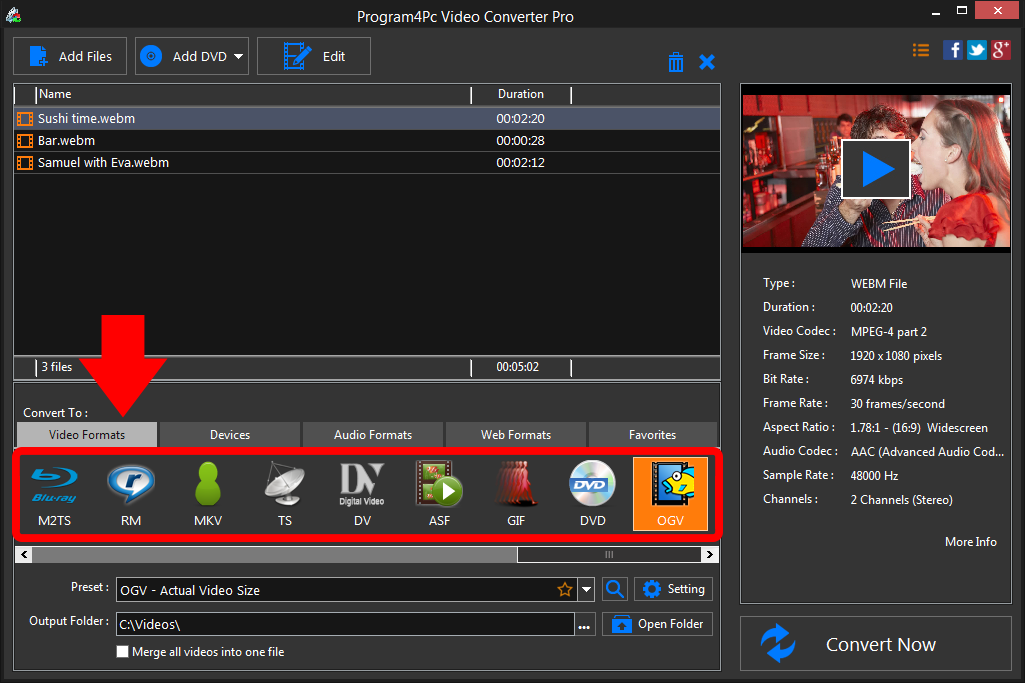
In the Output format section, find the OGV format and select your desire preset. If you want to adjust any advanced parameters, access them by clicking the Setting button. If you are converting WEBM files to OGV, MP4, 3GP, or any other format, just choose the appropriate preset for your required output format. Step 4: Convert Your OGV File and Save It
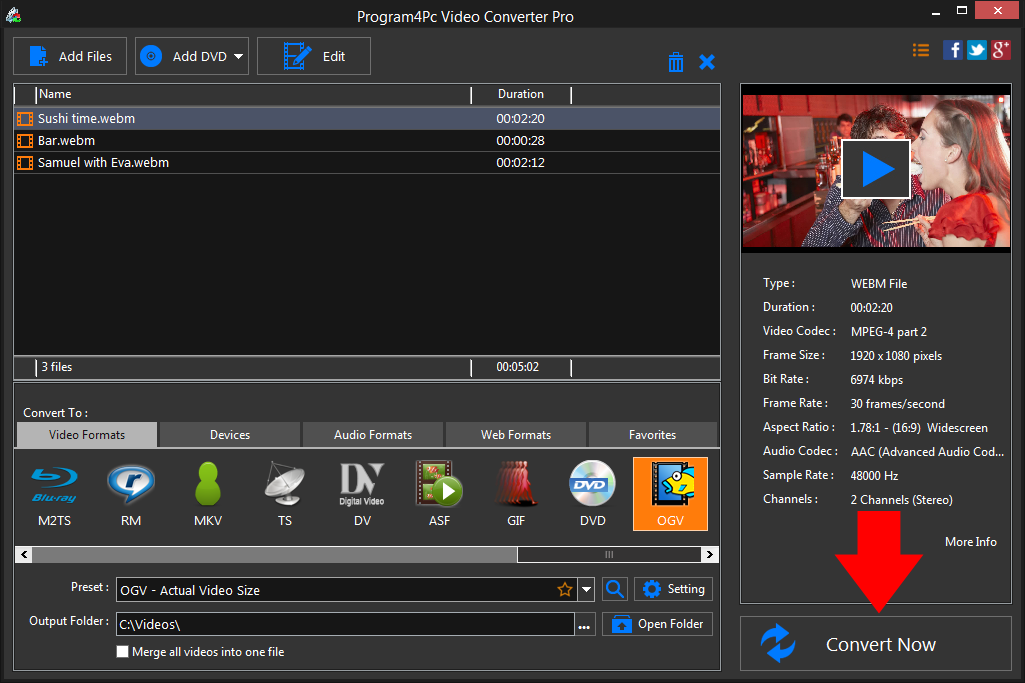
Specify the folder where the program should place your converted files. Finally, click the Convert Now button.As you can see, it's pretty easy to convert video to OGV format using our Video Converter.
That's it!
It is simple as 1-2-3. Now you know how to convert any movie to OGV, so it must be time for a watching your favorite videos everywhere!
Download Video Converter
It is simple as 1-2-3. Now you know how to convert any movie to OGV, so it must be time for a watching your favorite videos everywhere!
See what else Program4Pc Video Converter can do for you:
- Convert WEBM to MP4
- Convert WEBM to AVI
- Convert WEBM to MPEG
- Convert WEBM to WMV
- Convert WEBM to 3GP
- Convert WEBM to SWF
- Convert WEBM to MOV
- Convert WEBM to FLV