 |    | |
Home > Online Help > Audio Editor > Applying Effects on Audio
This tutorial explains how easily you may apply one or several effects on an audio with just couple of clicks.
You have an audio file and want to correct or modify? So, you need a program which supports various audio formats and includes several types of effects. Download Program4Pc DJ Audio Editor for free and it will help you to achieve this goal.
In this convenient Audio Editor, you will have lots professional effects that will help you improve the quality of audios, also give your song a fresh and artistic new sound.
Step 1: Download and Install the Audio Editor
Download Now
How to Apply Effects on Audio File
This tutorial explains how easily you may apply one or several effects on an audio with just couple of clicks.
You have an audio file and want to correct or modify? So, you need a program which supports various audio formats and includes several types of effects. Download Program4Pc DJ Audio Editor for free and it will help you to achieve this goal.
In this convenient Audio Editor, you will have lots professional effects that will help you improve the quality of audios, also give your song a fresh and artistic new sound.
Step 1: Download and Install the Audio Editor
Download Now





Step 2: Choose an Audio File for Editing
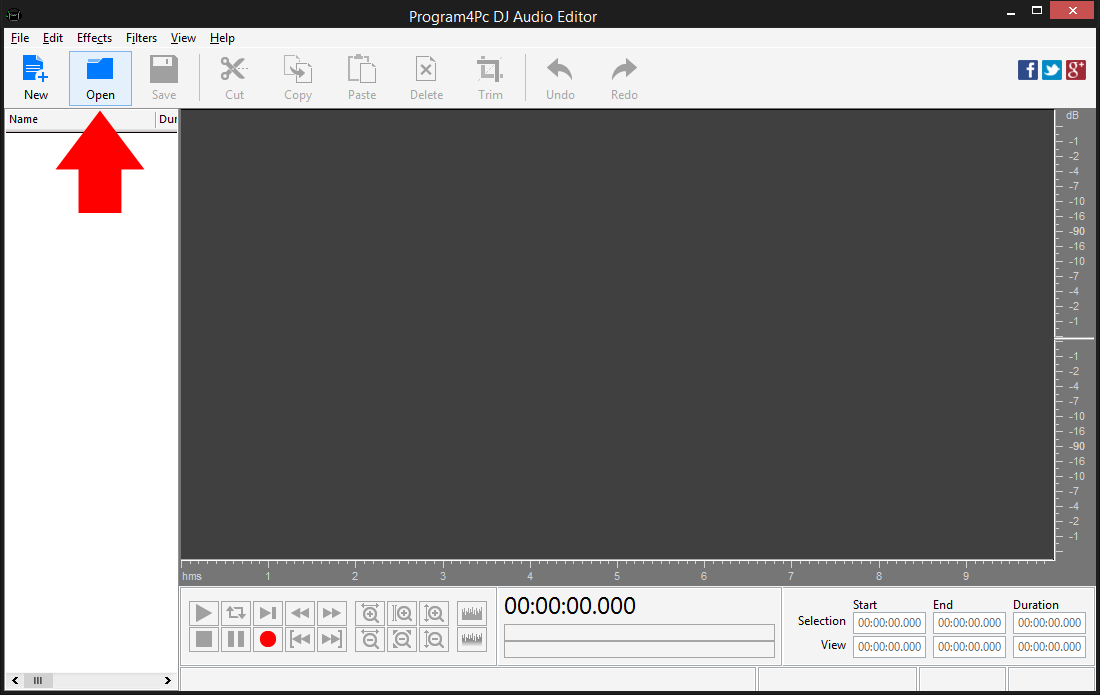
 Open Program4Pc Audio Editor and click the Open button to select audio or audios to edit. You can choose one or multiple files and load them into the program.
 You can apply an effect to the whole file or modify just a part of the track. To select an area where you want to add an audio effect click within the Waveform Display and without releasing the left mouse button, move the cursor to the left or right to make a selection.
Step 3: Select an Audio Effect to Apply on Audio

Click the Effects drop-down menu and and select an appropriate effect. Note: If you do not select any portion of audio, the effects will be applied on entire audio file.
Step 4: Adjust the Properties of Audio Effect
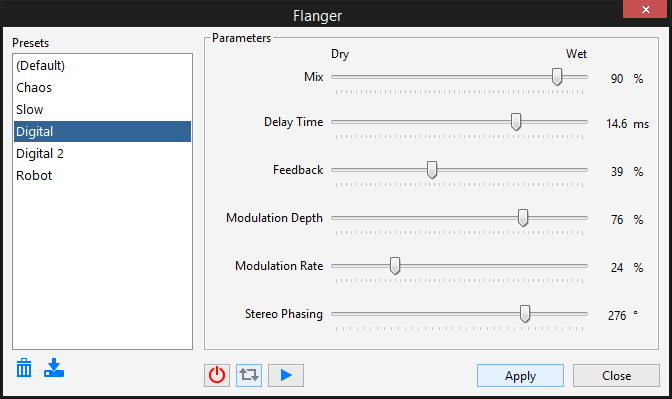
You can select one of the available presets from the list or adjust the parameters according to your needs. Use the Play button to make sure that the changes are correct.To quickly compare the processed audio with the original sound, turn on/off the effect preview and play again - you'll hear the sound without the effect.
Click Apply to save changes or Close to discard them.
Step 5: Choose Output Audio Format and Save
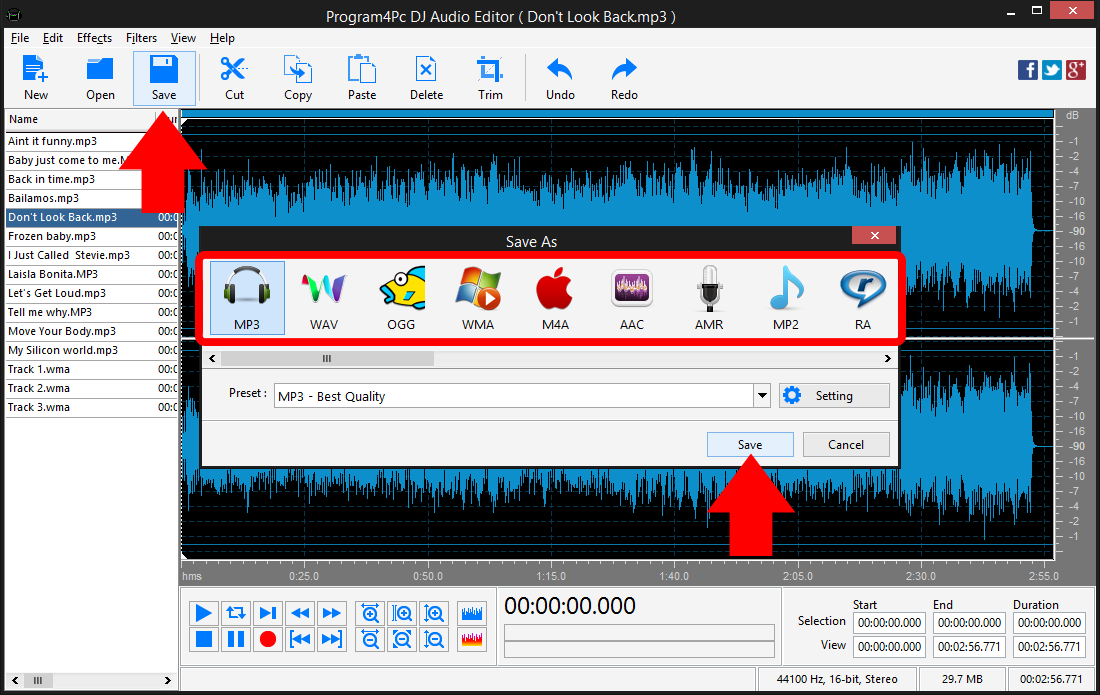
Click Save button and select the audio format from the list. You can choose any audio format, including MP3, WAV, OGG, WMA, M4A, AAC and etc. then click on Preset drop-down menu to expand the preset list and choose one that best suits your needs. Finally click Save and choose the folder in which you want to place the edited audio file.
That's it!
And that's all about using Program4Pc Audio Editor software for applying effect on audio file! Now, anytime you want to apply effect on audio, just run DJ Audio Editor and follow these steps.
You should know that by following the same method can apply several audio effects on your file.
Download Audio Editor
And that's all about using Program4Pc Audio Editor software for applying effect on audio file! Now, anytime you want to apply effect on audio, just run DJ Audio Editor and follow these steps.
You should know that by following the same method can apply several audio effects on your file.
See what else Program4Pc Audio Editor can do for you:
- Edit audio file
- Trim audio file
- Merge audio files
- Edit audio CD tracks
- Use filters on audio file
- Record audio
- Create ringtone for iPhone
- Edit audio tag